
Balloon Backdrop Mockup Online: Design It Before the Event
A client says yes to a photo backdrop once they can see it. A mockup shows the size, the colors and how guests will look in front of it — before you inflate the first balloon. Here is what a backdrop mockup needs, where decorators usually make one, and how to put it together online in one evening from ready-made items.
What a backdrop mockup needs
- Real size. The width and height of the space, so the backdrop fits its spot and does not run into the ceiling or a door.
- A base. An arch, a stand, a shimmer wall, drapery or a panel — whatever holds everything else.
- Balloons, flowers and light. A garland, clusters, arrangements, a neon sign or a chandelier, in the colors you agreed on.
- A person for scale. A full-height figure next to the backdrop shows right away whether three guests will fit in the shot.
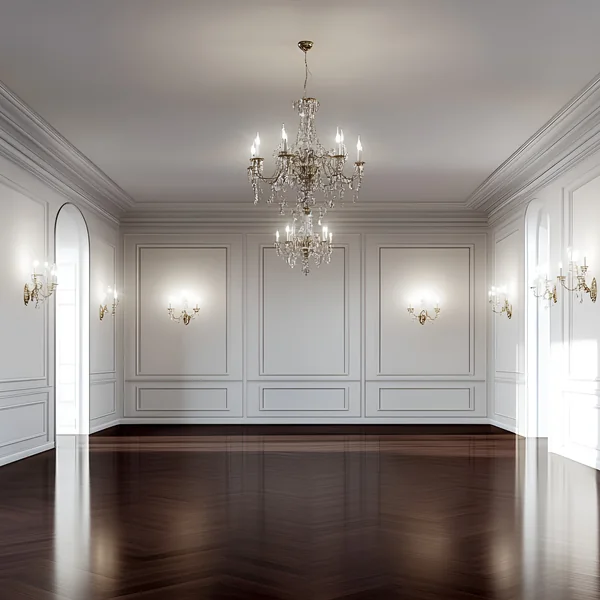
- The venue. A mockup looks best on a photo of the real room where the event will be.
Where decorators usually make a backdrop mockup
Most often in Canva, Photoshop or Procreate: you search for balloon PNGs on a transparent background, flower PNGs and pictures of arches, then stack them on a photo of the venue. It works, but it has three weak spots:
- No real scale. A PNG has no dimensions, so an 8 ft (2.4 m) arch is simply as big as you drag it — and the client may approve a backdrop that won’t fit the room.
- Mismatched assets. Balloons from one pack, flowers from another, furniture from a third — with different light and in different styles.
- The mockup is only a picture. The quote, the shopping list and the plan for the installers then get rebuilt from scratch.
IQDeco does it differently: the backdrop mockup is built online, in the browser on a computer or a phone, from a decor library with real dimensions.
How to design a balloon backdrop mockup, step by step
- Set the background. Upload the client’s photo of the venue or pick a ready-made interior from the library. You can move the photo, zoom it and straighten it along the horizon.
- Set the dimensions of the space in feet and inches or in centimeters. The canvas is the venue to scale, and the grid keeps spacing accurate.
- Build the base. An arch, a stand or drapery goes onto the canvas at its real size. A shimmer wall grows in whole panels and shows right away how many panels you need.
- Add balloons. Garlands and clusters are in the Balloons category, which also has sections for popular balloon brands.
- Add flowers, light and furniture. Arrangements, chandeliers, neon, armchairs and dessert-table pieces are in the neighboring categories.
- Match the colors. Items can be recolored to the client’s shade with the RAL and Pantone palettes and the SolaAir sequin colors — just find the number or the name.
- Check the scale. Put a human silhouette next to the backdrop and you see right away what the shot will look like.
- Show the client. The mockup becomes a photorealistic AI rendering of the backdrop at the venue, and its item list feeds straight into the project quote, where you set the price of each item yourself.
The library: 9,000+ items for mockups
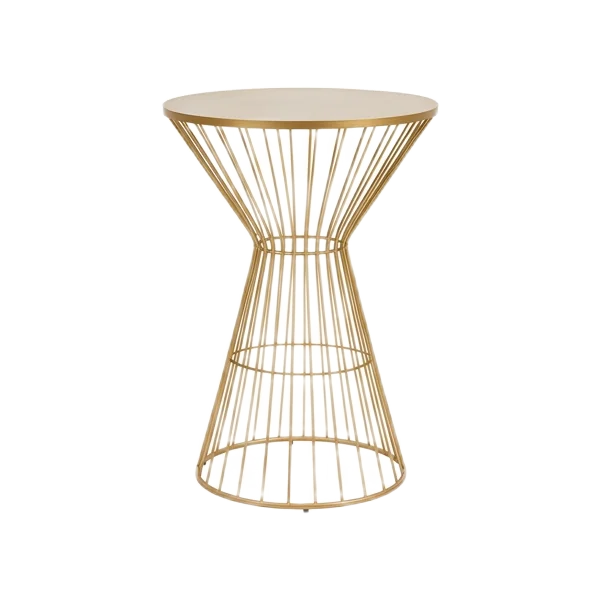
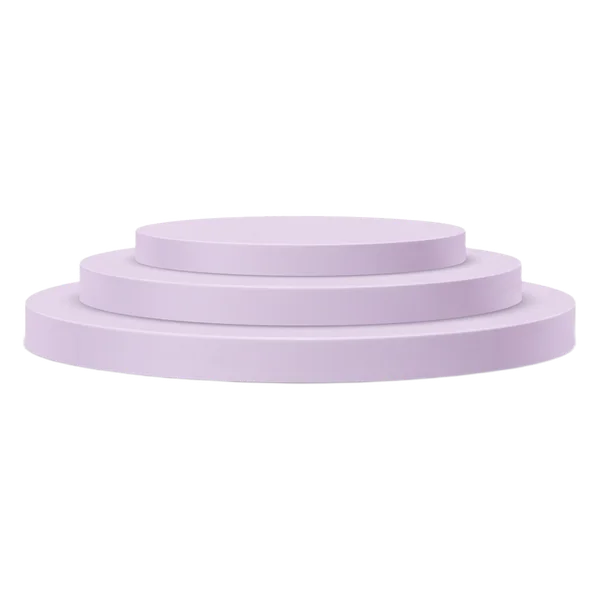
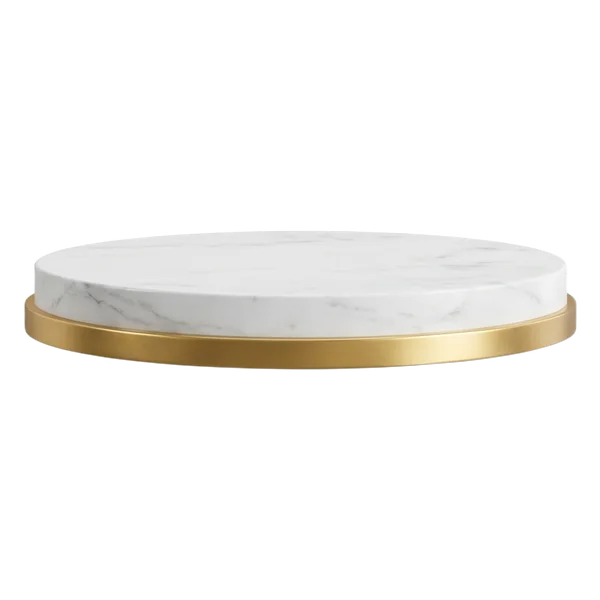
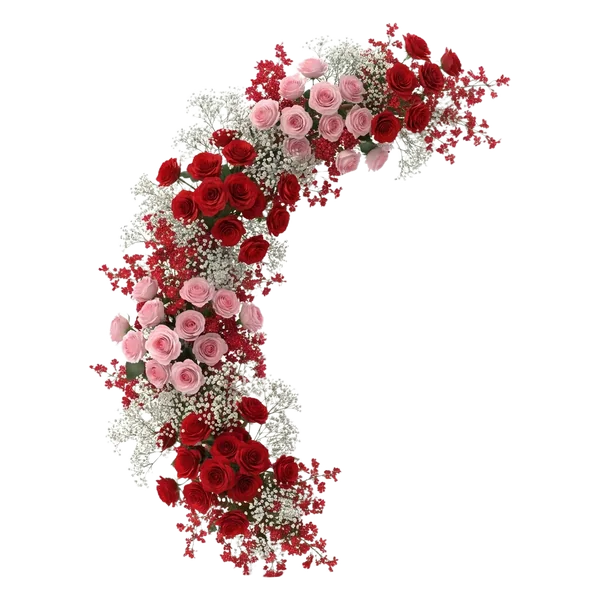
Everything a backdrop is made of is already in the editor, sorted into categories: structures, floor coverings, textiles, florals, balloons, decor, sequin walls, lighting, furniture, tableware, themed decor and venue backgrounds. Each category has subcategories, and at the top there is a search by name and a shade filter: pick a color, and only items in that color stay in the list. Items you use often gather in Favorites, and your inventory and your own photos sit right next to the catalog.
A sample from the library, two items from each category:




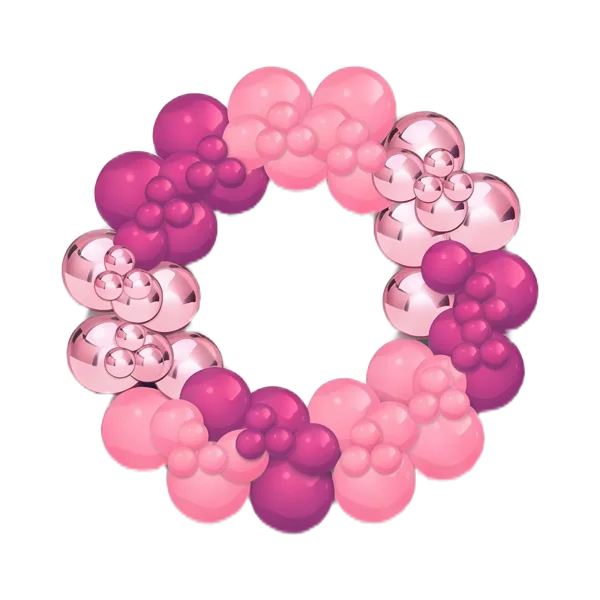
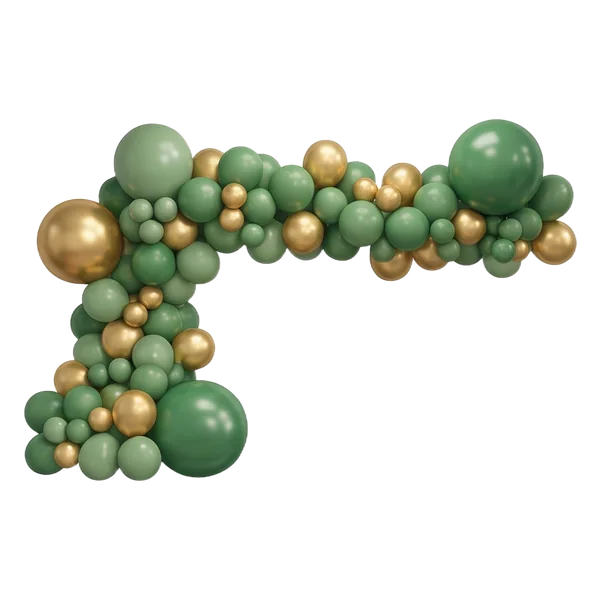

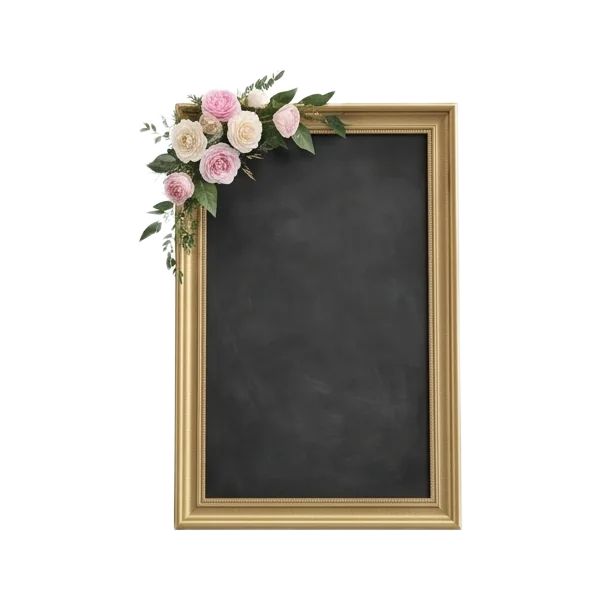
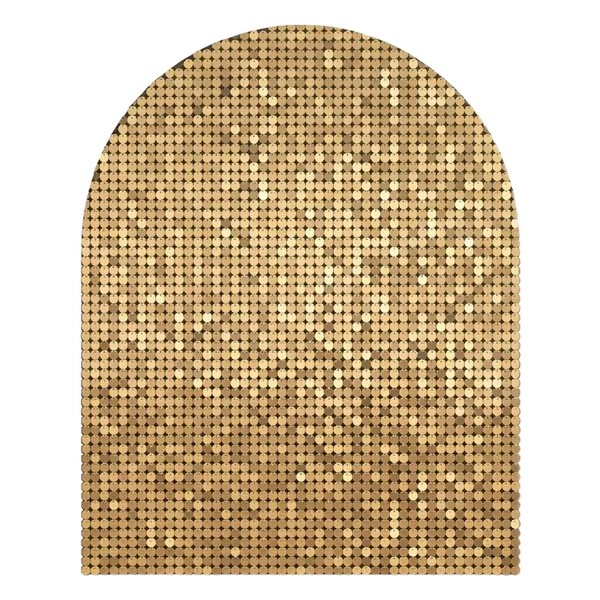
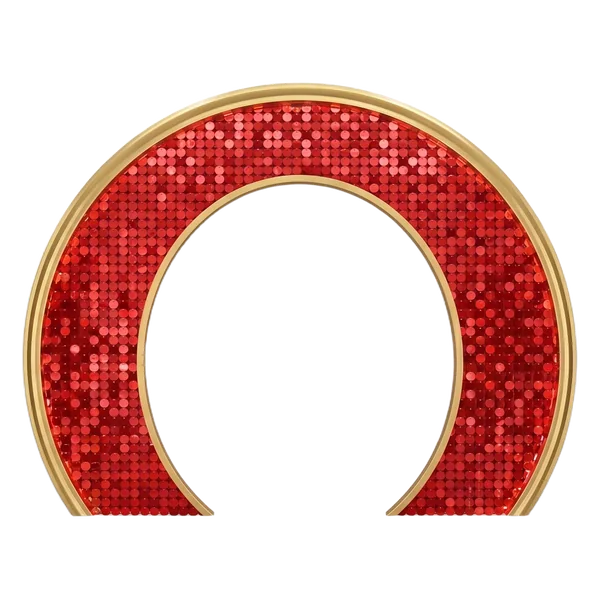
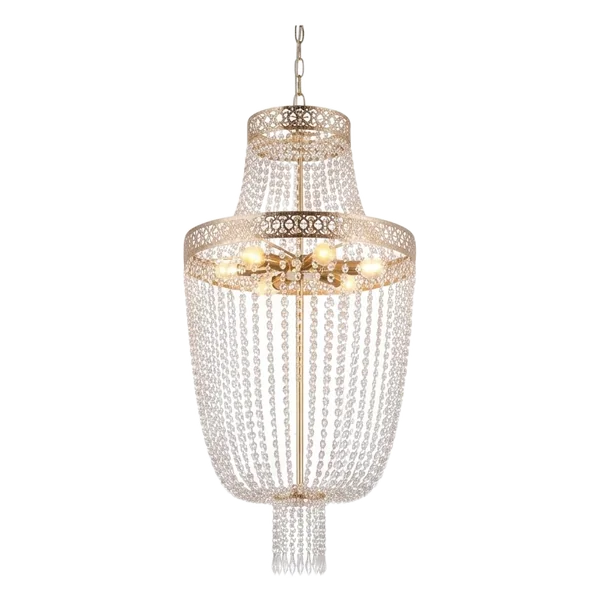
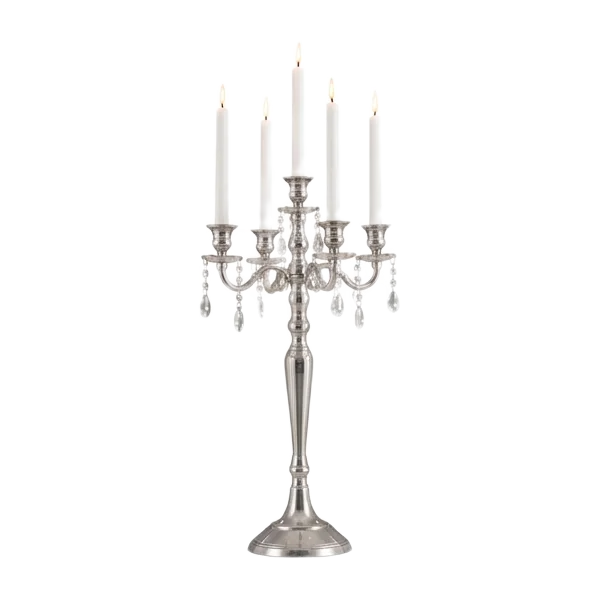
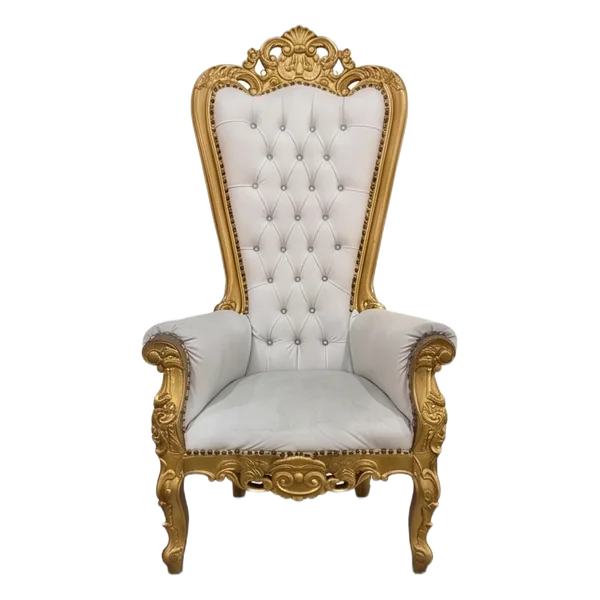
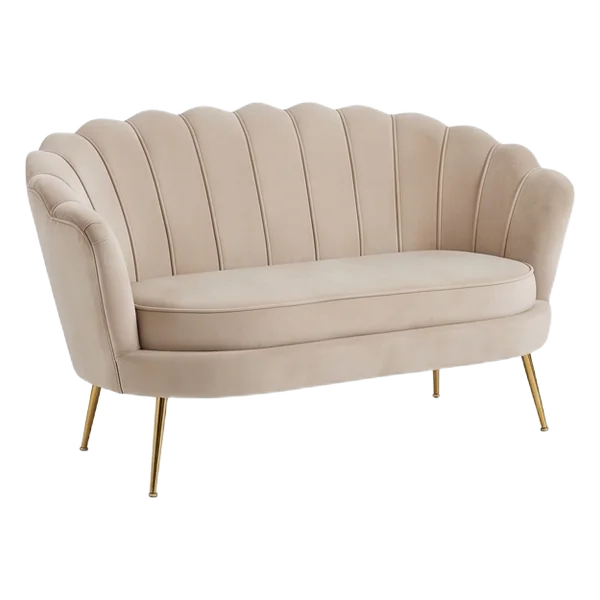

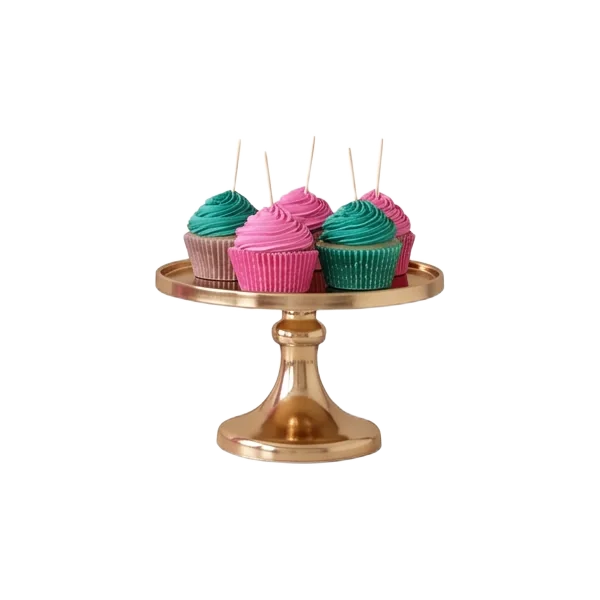

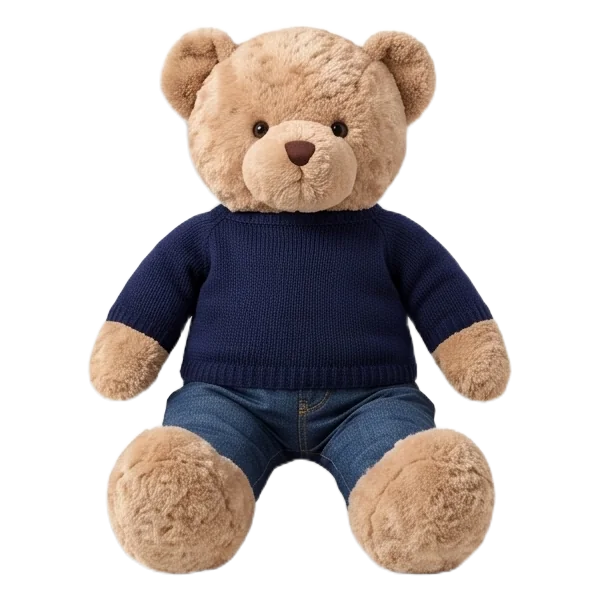
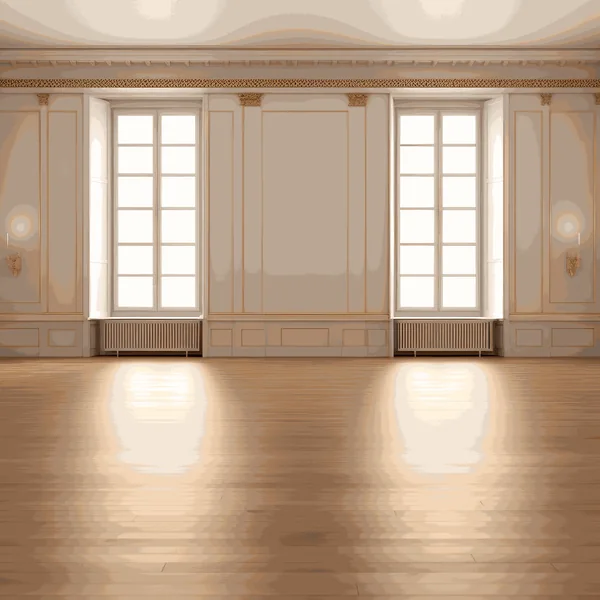
PNG pictures or a library in the editor
Packs of balloon and flower PNGs are fine for a card or a post. For a mockup that people will actually work from, something else matters: every library item has a real size, all items stand on one canvas at one scale, and the finished mockup becomes a quote, a rendering and an order sheet for the crew with zones, items and sizes.
FAQ
Can I make a backdrop mockup online on my phone?
Yes. The editor works in the browser. On a phone you move the canvas with a finger, and a long press brings up a joystick for precise placement.
Do I need to know how to draw?
No. A mockup is put together from ready-made items: you place them on the canvas, move, rotate and resize them.
Can I add my own arches and balloons?
Yes. Take a photo of the piece, remove the background, and it appears in the library next to the catalog.
How do I show the mockup to a client?
Download the finished image, or turn the mockup into a photorealistic rendering of the backdrop right on the photo of the venue.
Design your next backdrop before you build it
Open the editor, add the venue photo and build the backdrop from the library in real size. Need a garland? See how many balloons an arch or garland takes and how to plan a shimmer wall.
Try it free